Measure clearly
Interpret signal metrics, speed variation, latency, jitter, packet loss, and loaded latency without treating a single test as the whole answer.
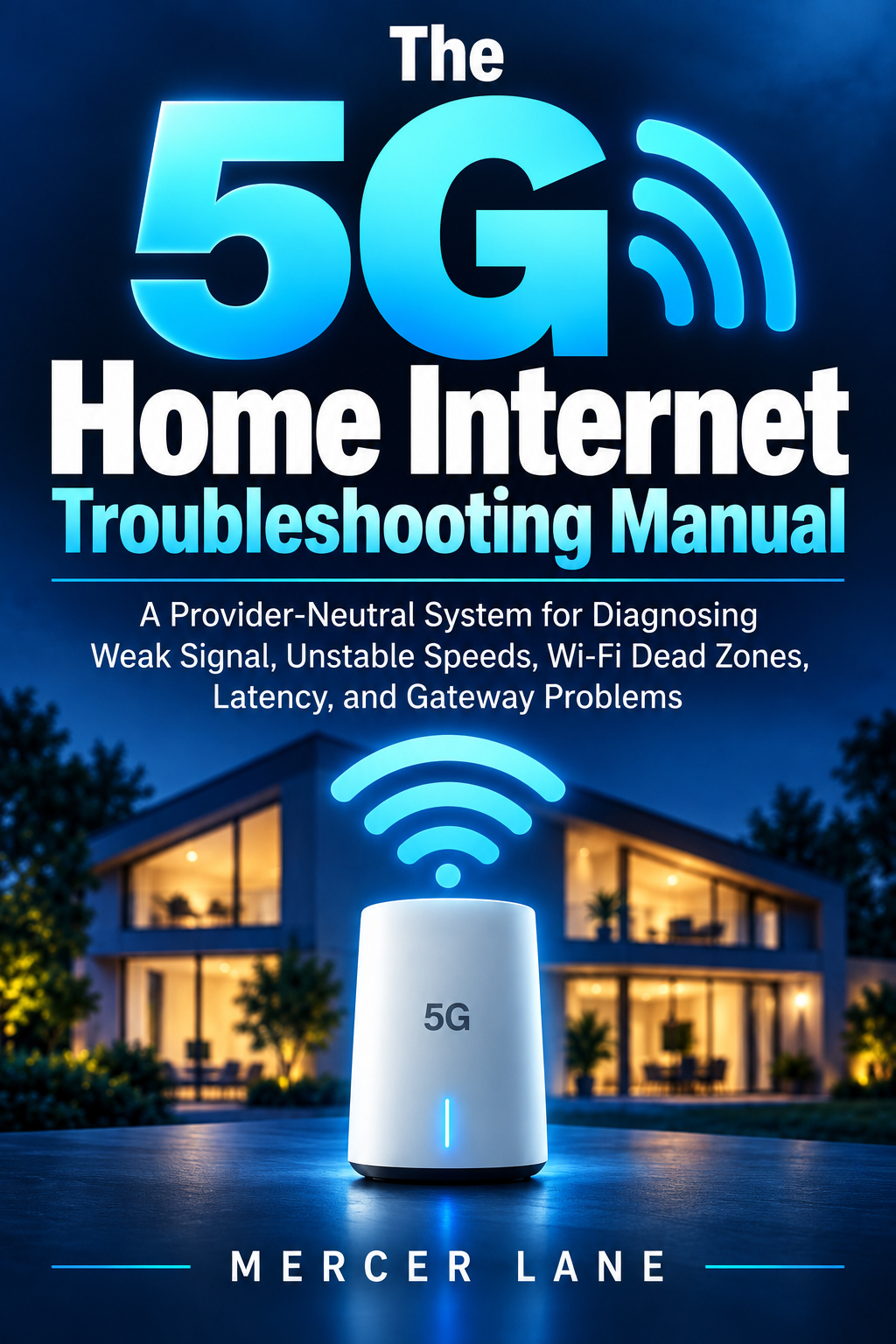
A PROVIDER-NEUTRAL MANUAL
A Provider-Neutral System for Diagnosing Weak Signal, Unstable Speeds, Wi-Fi Dead Zones, Latency, and Gateway Problems
By Mercer Lane · Published by Mercer Lane Press
This guide teaches a measured way to find the source of 5G home internet trouble—before you reset everything, change several settings at once, or buy equipment that may not address the cause.
Isolate before you optimize.
WHO IT IS FOR
For 5G home internet users dealing with inconsistent service, confusing signal readings, coverage gaps, or applications that do not perform as expected. No carrier-specific setup is assumed.
THE CENTRAL DISTINCTION
A 5G home internet setup joins a cellular link—from the provider network to the gateway—to a local Wi-Fi link—from the gateway to your devices. A weak cellular link and weak bedroom Wi-Fi can look alike from the couch, but require different fixes. The manual shows how to test them separately.
WHAT READERS WILL LEARN
Interpret signal metrics, speed variation, latency, jitter, packet loss, and loaded latency without treating a single test as the whole answer.
Score gateway placements, compare Wi-Fi and Ethernet, keep a troubleshooting log, and use symptom matrices and worked scenarios.
Work through a rapid sequence, run a seven-day stability test, and present useful evidence to provider support.
Choose the manual for the five-layer process, troubleshooting logs, placement scoring, worked scenarios and seven-day stability test. For one immediate symptom, start with a free guide below.
See the 5G troubleshooting manual on AmazonRELATED FREE GUIDES
5G HOME INTERNET
Separate a true internet outage from a gateway, Wi-Fi, or single-device interruption.
Read the guide5G HOME INTERNET
Compare devices, locations, Ethernet, and times before deciding that signal—or Wi-Fi—is the cause.
Read the guide5G HOME INTERNET
Use matched daytime and evening tests to distinguish network congestion from activity inside the home.
Read the guideSEARCH BY THE PROBLEM
5G home internet problems can come from the mobile network, gateway placement, weak signal or local Wi-Fi. This guide brings those causes into one troubleshooting system so you can isolate the fault before changing several things at once.