1. Copy
Start from a prompt built for a recognizable bookkeeping task instead of rebuilding the instruction from scratch.
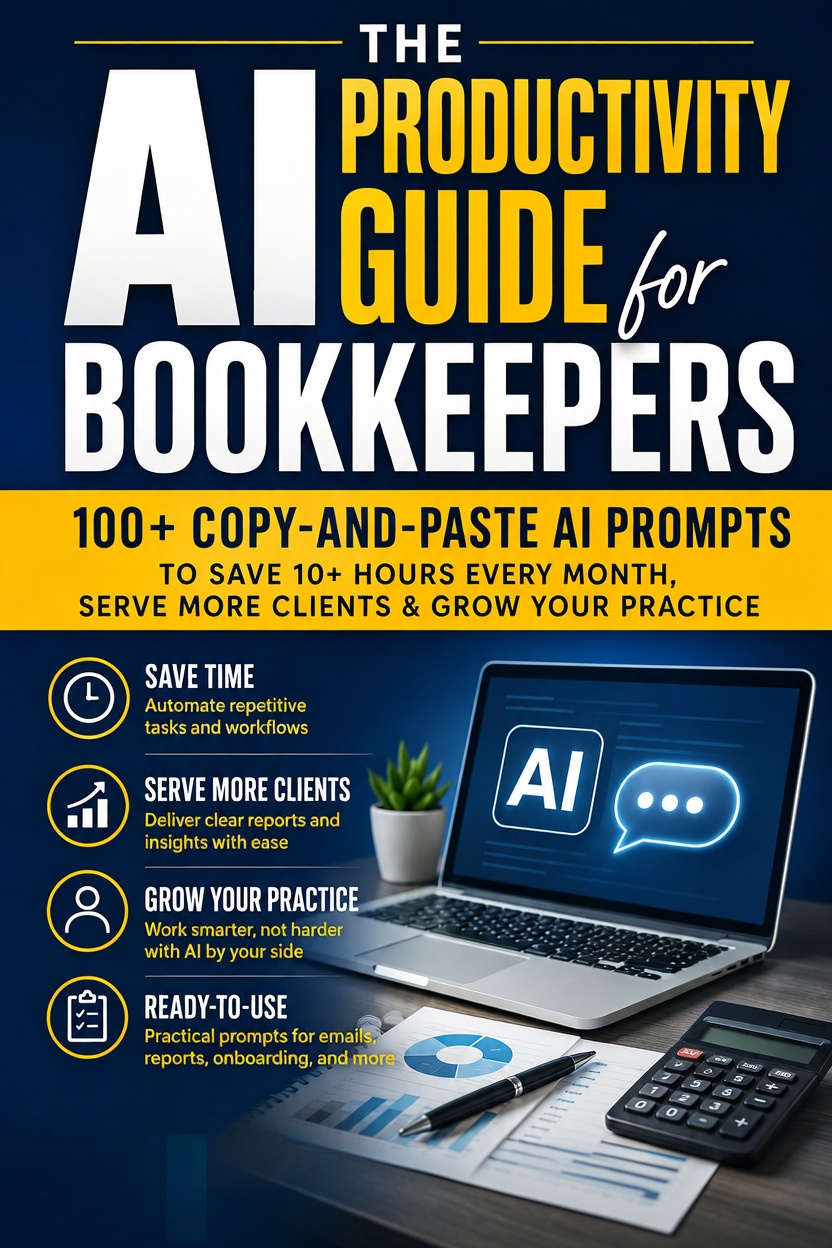
AI FOR BOOKKEEPERS
100+ Professional AI Prompts, Workflow Systems, and Strategies Built Specifically for Bookkeepers
By Mercer Lane · Published by Mercer Lane Press
A practical workbook for bookkeepers using AI for recurring communication, documentation, reporting, and workflow tasks, with more than 100 customizable prompts, five connected workflow systems, privacy guidance, short action plans, advanced prompting methods, and a 30-day implementation checklist.
WHO IT IS FOR
Solo bookkeepers, small bookkeeping practices, and bookkeeping team members who want a repeatable way to use AI for emails, report explanations, onboarding, month-end communication, documentation, and business-development drafting while keeping professional judgment and client confidentiality in the loop.
THE FOUR-STEP WORKING METHOD
The workbook treats prompts as working templates. Choose the prompt for the task, paste it into the AI tool you use, replace every bracketed variable with the relevant facts, then review the draft before it reaches a client, report, document, or internal process.
Start from a prompt built for a recognizable bookkeeping task instead of rebuilding the instruction from scratch.
Place the complete prompt into the AI tool you use so its role, task, context, and output instructions stay intact.
Replace bracketed placeholders with the names, dates, amounts, services, software, deadlines, or other facts the current task requires.
Read the output, correct facts and tone, add any details that were intentionally kept out of the prompt, and only then use the approved version.
PROMPT STRUCTURE
A single four-part structure runs through the workbook: define the working role, state the exact job, supply the relevant context, and specify the form the answer should take.
Set the working perspective, such as a bookkeeper preparing a client email, report explanation, checklist, or internal note.
State the concrete job: draft the reminder, explain the figures, organize the checklist, prepare the questions, or document the process.
Supply only the verified facts needed for the task, with client information minimized where full identity is unnecessary.
Ask for the usable format you need, such as a short email, table, checklist, structured summary, SOP, or meeting agenda.
THE PROMPT LIBRARY
The prompt library is organized around communication, reporting, process, and business tasks that recur around a bookkeeping practice.
Welcome emails, monthly-summary delivery, missing-information requests, scope conversations, referrals, rate changes, offboarding, follow-ups, and document confirmations.
Friendly and firm reminders, final notices, payment-plan drafts, internal receivables summaries, disputed-invoice responses, payment acknowledgments, and automatic-payment requests.
Plain-English P&L, cash-flow, variance, year-end, balance-sheet, KPI, tax-liability, and quarterly-review narratives built from figures the bookkeeper supplies.
Information requests, plain-English engagement summaries, software setup instructions, onboarding checklists, first-meeting agendas, and post-onboarding follow-up.
Month-end and year-end checklists, transaction queries, reconciliation notes, client summaries, payroll checklists, tax-return preparation checklists, and internal process notes.
Professional bios, educational posts, proposal emails, website copy, referral-partner outreach, testimonial requests, and FAQ drafting.
Recurring-task SOPs, team onboarding processes, client-file setup procedures, and practice-policy drafts.
Structured drafts for cash-flow concerns, late documents, spending concerns, meeting questions, bookkeeping errors, and other client conversations that still require professional judgment.
FIVE WORKFLOW SYSTEMS
The workbook also links prompts into complete processes, so recurring work can move through the same deliberate sequence rather than depending on memory.
Move from close preparation and exception review into a client-facing summary and a documented next step.
Read the month-end workflow →Coordinate information requests, engagement summaries, software setup, checklists, first-meeting preparation, and follow-up.
Read the onboarding workflow →Use staged reminders and clear records while keeping amounts, deadlines, terms, escalation choices, and any formal action tied to verified practice policy and the correct professional process.
Read the invoice follow-up workflow →Turn supplied financial figures and notable items into a draft plain-English narrative for professional review before client delivery.
Structure a proposal or quote conversation from the service need through scope, value, next steps, and follow-up without asking AI to invent commercial terms.
CLIENT CONFIDENTIALITY & REVIEW
Routine drafting rarely needs full client identities combined with detailed financial data, government identifiers, bank details, payment credentials, sensitive personal information, or unrelated confidential business material.
Read the client-data privacy guide →AI can draft quickly, but it can still produce wrong, incomplete, or unsuitable wording. Check the figures, facts, dates, tone, assumptions, and requested action before the output is used.
The workbook is an educational and productivity resource. It does not replace accounting, tax, financial, legal, privacy, or regulatory judgment, and jurisdiction-specific requirements should be checked through the appropriate current source or qualified professional.
IMPLEMENTATION
The final implementation checklist moves from learning one prompt structure to using core workflows, organizing a personal prompt library, and reviewing what actually helped.
Choose a primary AI tool, learn the four-part prompt formula, establish privacy habits, and use several high-frequency prompts on real low-risk tasks.
Apply structured prompts to recurring communication, month-end, report explanations, onboarding, and receivables work, reviewing every output before use.
Save the prompt versions that work, organize them by recurring job, and connect individual prompts into a sequence where a process repeats.
Compare the new process with the old one, improve weak prompts, remove unnecessary context, and keep only the workflows that are genuinely useful in the practice.
FREE SUPPORTING GUIDES
These companion articles turn five practical parts of the workbook into focused reference pages without reproducing the prompt library itself.
BOOKKEEPER AI
Clear bookkeeping prompts do not need to be long. Use Role + Task + Context + Output, make the changing facts visible as variables, and review the result before it becomes client communication.
Read the guideBOOKKEEPER AI
Most bookkeeping drafting tasks need less client information than a full file contains. Define the job, minimize the context, anonymize where practical, and keep the authoritative record outside the AI chat.
Read the guideBOOKKEEPER AI
Use AI around the month-end close for checklists, structured exception notes, client questions, report narratives, and delivery drafts while the bookkeeper keeps control of the ledger, reconciliations, figures, and final review.
Read the guideBOOKKEEPER AI
Use a repeatable sequence for the words and checklists around onboarding while keeping engagement terms, client facts, access, professional obligations, and final approval under the practice's control.
Read the guideBOOKKEEPER AI
Invoice follow-up becomes easier to manage when the facts are verified once, the tone changes deliberately by stage, and AI is used to draft communication rather than invent payment terms or escalation rights.
Read the guideSEARCH BY THE PROBLEM
People searching for ChatGPT prompts for bookkeepers and AI prompts for bookkeeping are often trying to speed up recurring client communication, month-end close, missing-information chases, onboarding and report explanations. This guide organises those tasks into reusable workflows.