1. Capture
Give active paper, email, messages, and verbal requests a trusted landing place instead of letting them remain scattered or depend on memory.
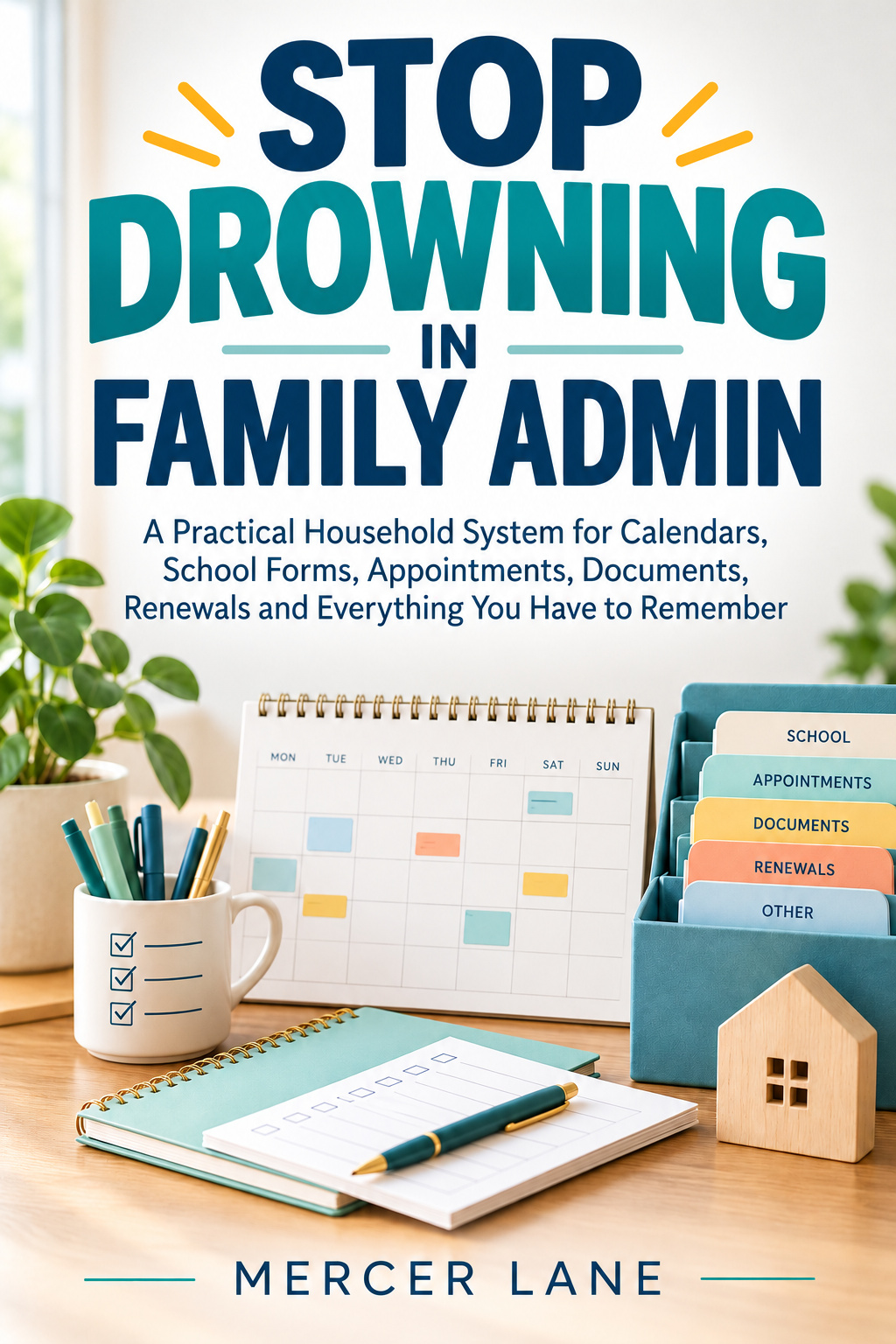
FAMILY ADMIN & HOUSEHOLD ORGANIZATION GUIDE
A Practical Household System for Calendars, School Forms, Appointments, Documents, Renewals and Everything You Have to Remember
By Mercer Lane · Published by Mercer Lane Press
A practical household operating system for moving family admin out of memory and into a small set of trusted controls: capture points, clear next actions, calendars, Waiting For, findable records, weekly resets, explicit handoffs, and focused tools for recurring household obligations.
WHO IT IS FOR
Adults and households who are carrying school forms, appointments, renewals, documents, home and vehicle records, pet or travel logistics, provider follow-ups, and other recurring admin across too many inboxes, calendars, apps, paper piles, and private memory.
THE CORE OPERATING MODEL
The book uses the same five-stage route for almost every household obligation so paper, messages, dates, next actions, records, and follow-ups do not become separate systems.
Give active paper, email, messages, and verbal requests a trusted landing place instead of letting them remain scattered or depend on memory.
Decide what the item requires, name the next observable action, assign one owner, record the real date, and define what proves completion.
Put dates where time lives, separating the event from deadlines, preparation, review, and follow-up when those distinctions matter.
Keep useful reference information in a findable location and use concrete location language another authorized household member can follow.
Return to the system on a rhythm so inboxes, dates, open dependencies, and handoffs do not quietly become stale.
Treat replies, refunds, quotes, confirmations, and promised documents as active dependencies with request and chase dates until they are genuinely closed.
THE WEEKLY CONTROL POINT
Sweep loose inputs into the trusted inbox, then decide the next action, owner, date, waiting status, and reference location.
Scan for forms, appointments, travel, preparation work, renewals, and other obligations that need runway before the visible event.
Review Waiting For items that have reached their chase date and make sure anyone affected by the coming week can see what they need to know.
HOUSEHOLD DOMAINS
The domain chapters cover school and childcare, appointments, bills and renewals, important records, home maintenance, vehicle and transport administration, pet administration, travel, annual and seasonal obligations, shared responsibility, continuity, privacy, and recovery after a backlog.
IMPLEMENTATION & WORKBOOK TOOLS
Week one makes current work visible; later weeks add retrieval, recurring domains, sharing, resilience, and simplification instead of starting with a complete archive.
Focused sessions cover the minimum viable system, back-to-school admin, renewal runway, retrieval, handoffs, continuity testing, backlog recovery, annual review, provider problem trails, and digital archive cleanup.
The workbook is a menu rather than a checklist, with trackers and reference pages for setup, calendars, Waiting For, school, appointments, documents, renewals, home, vehicles, pets, travel, sharing, provider problems, and recovery.
The book repeatedly separates household logistics from sensitive records. General worksheets are designed around dates, owners, next actions, safe references, and storage locations rather than unnecessary credentials or identity details.
FREE SUPPORTING GUIDES
FAMILY ADMIN
The fastest route to a reliable household system is not reorganizing every file. Make current obligations visible first, then add only the tools that solve recurring problems.
Read the guideFAMILY ADMIN
A weekly admin reset should restore control, not become a two-hour work session. Use a fixed sequence and schedule longer tasks separately.
Read the guideFAMILY ADMIN
Sending is not finishing. A Waiting For list keeps provider promises and other dependencies active until they arrive, change, or are deliberately closed.
Read the guideFAMILY ADMIN
The final event is often too late to be the first reminder. Work backward and add only the dates that create useful decision and preparation runway.
Read the guideFAMILY ADMIN
A useful document system is a retrieval map, not a vault. Index where important records live, keep location language concrete, control versions, and verify retention rules when they matter.
Read the guideFAMILY ADMIN
A household system is not truly shared if it works only while the person who designed it is present. Test the next two weeks, current work, dependencies, contacts, and record locations without coaching.
Read the guideThe Family Admin Operating System turns household tasks, dates and follow-ups into a working Excel system. Includes clean and demo workbooks, a 15-page Quick Start and ten printable pages in A4 and US Letter. £7.49, sold separately. Microsoft 365 desktop Excel required; the book is not required to use the bundle.
FREE WEEKLY RESET PLANNER
Turn a few household tasks, dates and replies to chase into a printable reset plan. Choose the next action, owner and checkpoint date. No signup or Excel needed.
SEARCH BY THE PROBLEM
People looking for a family command centre, household organisation system or better way to manage bills, appointments and paperwork are usually trying to solve the same problem: obligations are scattered across paper, inboxes, calendars and memory. This guide creates one capture-to-follow-up route.